
Core Web Vitals Explained for Business Owners
LCP, INP, CLS, Google’s metrics sound technical but they measure real customer frustration. Here is what each one means for your revenue.
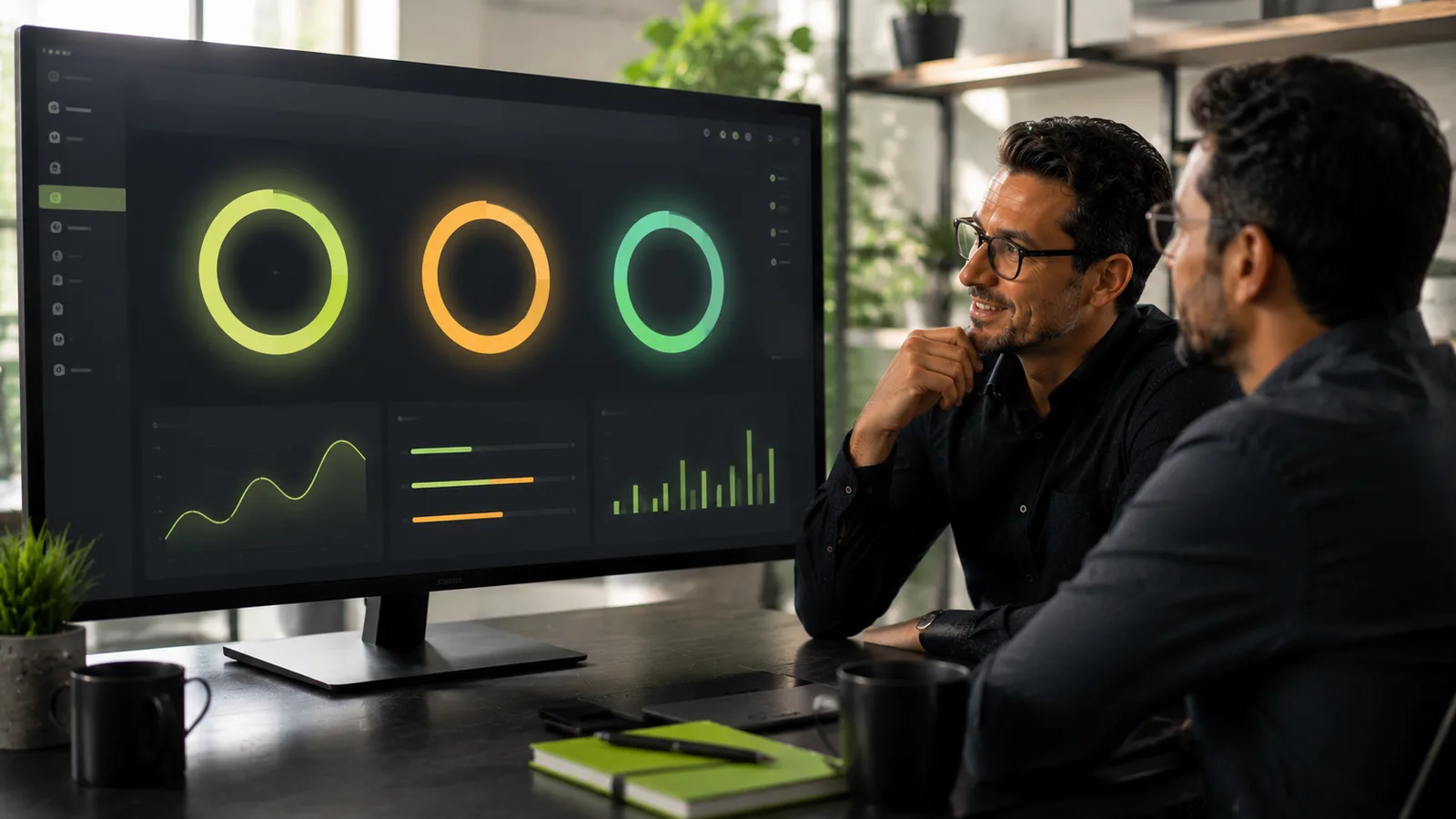
When a customer searches for a plumber, removalist, or skip bin hire company on their phone, they rarely wait patiently for a slow page to load. They tap the next result. Google noticed this pattern years ago and packaged the most important speed and stability signals into something called Core Web Vitals, three metrics that describe whether your website feels fast, responsive, and stable in real use.
You do not need to become a developer to understand them. You need to know what each metric measures, why it affects enquiries and bookings, and what to ask for when you review your site. This guide explains LCP, INP, and CLS in plain language for business owners who depend on their website for revenue.
What Core Web Vitals actually are
Core Web Vitals are three user-experience metrics Google uses to evaluate page quality. They do not replace good content, local SEO, or trustworthy design, but they describe whether visitors struggle with basic usability before they ever read your headline or fill in a quote form.
Think of them as a health check for how your site behaves on real devices, on real networks, with real impatient humans behind the screen. A beautiful brochure site that takes eight seconds to show a phone number on mobile is failing a test that directly affects conversion, even if the owner never opens developer tools.
The three metrics are:
- LCP (Largest Contentful Paint), how quickly the main visible content loads.
- INP (Interaction to Next Paint), how fast the page responds when someone taps or clicks.
- CLS (Cumulative Layout Shift), how much the layout jumps while the page is loading.
Owner takeaway
Core Web Vitals are not abstract SEO trivia. They measure frustration, the kind that sends customers to a competitor before your contact form even appears.
LCP: how fast your main content appears
LCP stands for Largest Contentful Paint. In everyday terms: how long until the biggest meaningful thing on the screen is visible? On a service business homepage, that is often the hero image, a headline block, or a prominent call-to-action button. On a booking page, it might be the first step of a quote wizard.
What good and poor LCP look like
Google considers LCP good at 2.5 seconds or less. Between 2.5 and 4 seconds needs improvement. Above 4 seconds is poor. These thresholds are measured on real user data where available, not just a one-off lab test from your developer's fast office connection.
Poor LCP usually feels like this to a customer: they tap your Google listing, see a blank or half-loaded page, wait, maybe scroll, and wonder whether the site is broken. Many leave before your phone number renders. For businesses that compete in local search, where three or four results sit above the fold, that delay is expensive.
What typically slows LCP down
On WordPress service sites, the usual suspects repeat themselves:
- Oversized hero images that were uploaded straight from a camera or stock library without compression.
- Heavy page builder sections loading dozens of scripts and fonts before content appears.
- Slow hosting shared with hundreds of unrelated sites.
- Render-blocking plugins, chat widgets, analytics bundles, review embeds, all fighting to load first.
- No caching or CDN, so every visitor downloads everything from scratch.
If your site uses a multi-step booking flow with maps and calendars, LCP on inner pages matters just as much as the homepage. A customer who clicks "Get a quote" and waits five seconds for step one to appear is already mentally comparing you to the next operator in the search results.
INP: how quickly your site responds to taps
INP replaced an older metric called FID (First Input Delay). Where FID only measured the delay before the browser could start handling the first click, INP looks at responsiveness across the whole visit, every tap, click, and keyboard interaction until the page responds visually.
INP in plain English
Imagine a customer on your skip bin booking page selecting a bin size, then a waste type, then a delivery date. Each tap should feel instant. INP captures whether the page keeps up or feels sluggish, like tapping "Next" and waiting a full second before anything happens.
Google's thresholds: good INP is 200 milliseconds or less, needs improvement up to 500ms, and poor above that. Half a second does not sound dramatic until you multiply it across a five-step form. That friction adds up to abandoned bookings.
Why WordPress booking sites struggle with INP
Service websites often load more JavaScript than they need. WooCommerce, map autocomplete, date pickers, marketing pixels, heatmap tools, and live chat can all run at once. On a mid-range phone using mobile data, the main thread gets busy and interactions queue up.
INP problems are especially common when:
- Plugins inject scripts on every page, even where they are not needed.
- Third-party widgets load synchronously and block interaction.
- Large DOM pages, long landing pages with repeated sections, slow down rendering after each action.
- Outdated themes run inefficient JavaScript on mobile.
Warning sign
If customers say "your website feels clunky on my phone" but desktop seems fine, INP is a likely culprit. Test on an average Android device, not just your office MacBook.
CLS: whether your page jumps around
CLS measures visual stability. Have you ever tried to tap a button on a mobile site, only for a banner ad or cookie popup to push the button down at the last moment, and you accidentally tap the wrong thing? That is layout shift, and CLS quantifies it.
How CLS scores work
CLS is a decimal score, not seconds. Good CLS is 0.1 or lower. Between 0.1 and 0.25 needs improvement. Above 0.25 is poor. The score accumulates across the page load: every unexpected movement adds to it.
For service businesses, CLS often shows up in frustrating places:
- A contact form button shifts when a web font finally loads, and the customer misses the submit button.
- An announcement bar slides in and pushes the navigation down after the user already started scrolling.
- Images without defined width and height cause content below them to jump when they appear.
- Embedded Google reviews or social feeds inject content late and reflow the page.
CLS is easy to underestimate because it does not feel like "slowness." It feels like sloppiness, and sloppiness erodes trust before a customer reads a single testimonial.
Why this matters for leads and bookings
Google has confirmed that page experience signals, including Core Web Vitals, influence search rankings. They are not the only factor, relevance, reviews, and local authority still dominate local pack results, but they matter, especially when competitors are otherwise similar.
The bigger reason to care is conversion. A slow, jumpy, unresponsive site loses money in ways analytics dashboards hide unless you know where to look. Traffic can look stable while form submissions quietly drop. That pattern shows up often in my business technology audits when owners assume marketing is the problem but the site itself is leaking enquiries.
| Metric | What the customer feels | Business impact |
|---|---|---|
| Poor LCP | "This site is taking forever." | Higher bounce rate from mobile search and ads |
| Poor INP | "The buttons don't work properly." | Abandoned quote wizards and booking flows |
| Poor CLS | "This looks broken." | Mis-clicks, form errors, lower trust |
Performance and local visibility overlap more than most owners realise. If you are investing in local SEO for your service business, sending that traffic to a sluggish site wastes the work. The same applies to paid ads: you pay for the click, then lose the customer on a slow landing page.
For a deeper look at how speed translates to lost revenue specifically, read why slow websites lose bookings and revenue. Core Web Vitals are the vocabulary; lost jobs are the outcome.
How to check your scores (without guesswork)
You do not need expensive tools to start. These three checks give business owners enough signal to know whether to act:
Google Search Console
If your site is verified in Search Console, open the Core Web Vitals report under Experience. It groups URLs into good, needs improvement, and poor based on real Chrome user data (field data). Focus on mobile first, most service searches happen on phones.
PageSpeed Insights
Enter your homepage and your most important conversion page, usually contact, quote, or booking. PageSpeed Insights shows both field data (if available) and lab data from a simulated test. Lab data is useful for debugging; field data reflects what customers actually experience.
A manual mobile test
On a phone using mobile data, not office Wi-Fi, visit your site as a customer would. Time how long until you can read the main message and tap the primary button. Step through your quote or contact flow. If anything feels sluggish or jumpy, your customers feel it too.
Minimum pages to test
- Homepage
- Primary service or location page
- Contact or quote page
- Any online booking or checkout step
Common causes on service business websites
WordPress powers a huge share of service business sites, and for good reason. It is flexible for local pages, forms, and booking integrations. But flexibility without discipline creates performance debt. The same plugins that add booking maps and payment gateways can destroy Core Web Vitals when stacked carelessly.
Patterns I see repeatedly when reviewing WordPress sites for service businesses:
- Plugin bloat: five plugins doing the job of two, each loading assets globally.
- Unoptimised media: full-resolution photos on every service page.
- Cheap hosting: fine for a blog, strained when WooCommerce and booking logic run daily.
- Page builder excess: nested sections, animations, and custom fonts on every block.
- Ignored maintenance: updates deferred until something breaks, cache misconfigured, database bloated.
Broken forms and silent lead loss are a separate but related problem, a fast site that never delivers enquiries is still failing. See broken WordPress forms and why leads vanish silently if submissions are part of your concern.
What to fix first: a practical priority list
Performance work can sprawl forever if nobody prioritises by business impact. This order works well for most service operators:
- Fix conversion pages first. Homepage, quote flow, contact, not the blog archive from 2019.
- Compress and properly size images. Often the fastest LCP win with the least risk.
- Upgrade hosting or add a CDN if server response time is slow before any content loads.
- Audit third-party scripts. Remove or defer chat, analytics, and widgets that are not earning their keep.
- Reserve space for dynamic content, set image dimensions, avoid late-loading banners above buttons.
- Test plugin impact on INP, especially booking, maps, and marketing tools on mobile.
Ongoing maintenance matters as much as one-off fixes. A site that passed Core Web Vitals last year can fail today after a plugin update or a new hero video. A structured monthly website maintenance plan should include periodic performance checks, not just security patches.
| Metric | Good threshold | First fix to try |
|---|---|---|
| LCP | ≤ 2.5 seconds | Optimise hero images, improve hosting, reduce render-blocking scripts |
| INP | ≤ 200 ms | Remove unused JavaScript, defer non-critical plugins, simplify booking pages |
| CLS | ≤ 0.1 | Set image dimensions, stabilise fonts, avoid late-injected banners above CTAs |
If you are unsure where your site stands relative to revenue goals, a focused review helps. You can book a technical strategy session to prioritise fixes, or start with a broader business technology audit that covers performance alongside forms, security, and booking flows.
Conclusion
Core Web Vitals sound technical, but each one maps to a simple customer question. LCP asks: did the important content show up quickly? INP asks: did the site respond when I tapped? CLS asks: did the page stay still while I tried to use it?
You do not need to memorise the acronyms. You need a site that loads fast on mobile, responds smoothly through quote and booking steps, and does not jump around while people try to contact you. When those basics fail, SEO traffic and ad spend both deliver fewer enquiries than they should.
Start by checking Search Console and PageSpeed Insights on your highest-value pages. Fix the conversion path before polishing secondary content. Pair performance work with form testing and local SEO so traffic arrives and converts, not just arrives and leaves.
If your WordPress site supports bookings in industries like skip bin hire or removals, performance is part of the product experience, not a nice-to-have. Treat Core Web Vitals as early warning signs for revenue leakage, and address them with the same urgency you would a broken phone line.
Ready to translate metrics into a practical fix list? Get in touch or explore related guides on signs your WordPress site is costing you leads and slow website revenue impact.
Frequently asked questions
- Do Core Web Vitals affect SEO?
- They are a ranking signal among many others. More importantly, they correlate with conversion, faster, stable pages win more bookings.
Need help with this?
Let's review your setup
I help service businesses fix WordPress, bookings, security, and performance, with systems that support revenue, not just launches.
Related articles
 Performance
Why Slow Websites Lose Bookings and Revenue
Speed is not a vanity metric for service businesses. When quote pages lag on mobile, customers call your competitor instead.
Read article SEO
SEOLocal SEO for Service Businesses (Without the Jargon)
You do not need to become an SEO expert. Focus on the handful of local signals that actually drive calls and quote requests in your service area.
Read article Maintenance
Website Maintenance Plan: What Every Business Needs Monthly
Maintenance is how you avoid emergency rebuilds. Here is what to check every month, and what to watch weekly if bookings run through your site.
Read articleReady to talk?
Book a strategy session or send a message. I'll respond with a clear next step.